Most construction crews hold tool box talks. Few use a tool box talk box. That gap isn’t just symbolic—it’s where safety messages get lost, attendance slips, and accountability fades. A tool box talk box isn’t just a container. It’s a system. It’s the physical and procedural anchor that turns sporadic safety chats into structured, trackable, and enforceable moments of team alignment.
Teams that implement a tool box talk box see higher engagement, better compliance with OSHA standards, and fewer near-misses. The reason? It’s not about storing notes or forms. It’s about creating a ritual—a visual, repeatable cue that safety isn’t an afterthought. It’s part of the job.
Let’s break down what a tool box talk box is, why it works, and how to deploy one that sticks.
What Exactly Is a Tool Box Talk Box?
A tool box talk box is a designated physical container—often a weatherproof box mounted on a wall or job site trailer—that holds all materials related to daily or weekly safety meetings. These boxes typically include:
- Sign-in sheets
- Pre-written talk topics
- Regulatory compliance forms
- Hazard reporting cards
- Pens, clipboards, and PPE checklists
Its function goes beyond storage. The box becomes a focal point for routine safety engagement. Crews gather around it, sign in, grab materials, and begin the talk where visibility and participation are maximized.
Unlike digital-only systems, which rely on device access and app usage, a tool box talk box operates offline and is accessible to every worker—regardless of tech skills or smartphone ownership. That inclusivity is critical in high-turnover, multi-contractor environments.
Why a Physical Box Outperforms Digital-Only Approaches
Digital tools have their place—but on muddy, noisy, or connectivity-limited job sites, they fail. Workers don’t pull out tablets in the rain. Foremen don’t wait for apps to sync before starting a 10-minute talk.
The tool box talk box solves this with simplicity:
- Always on. Always available. No login, no Wi-Fi, no battery.
- Creates accountability. A filled sign-in sheet is physical proof that training occurred.
- Reduces compliance risk. Auditors can verify attendance and topics without relying on cloud logs or screenshots.
- Builds routine. The box acts as a visual trigger—like a fire alarm or first aid station. Workers know what it means.
One Midwest electrical contractor reduced safety incidents by 40% in 8 months after installing tool box talk boxes at each site. Their foreman noted, “It’s not fancy. But now everyone knows when and where the talk happens. No excuses.”
Key Components of an Effective Tool Box Talk Box
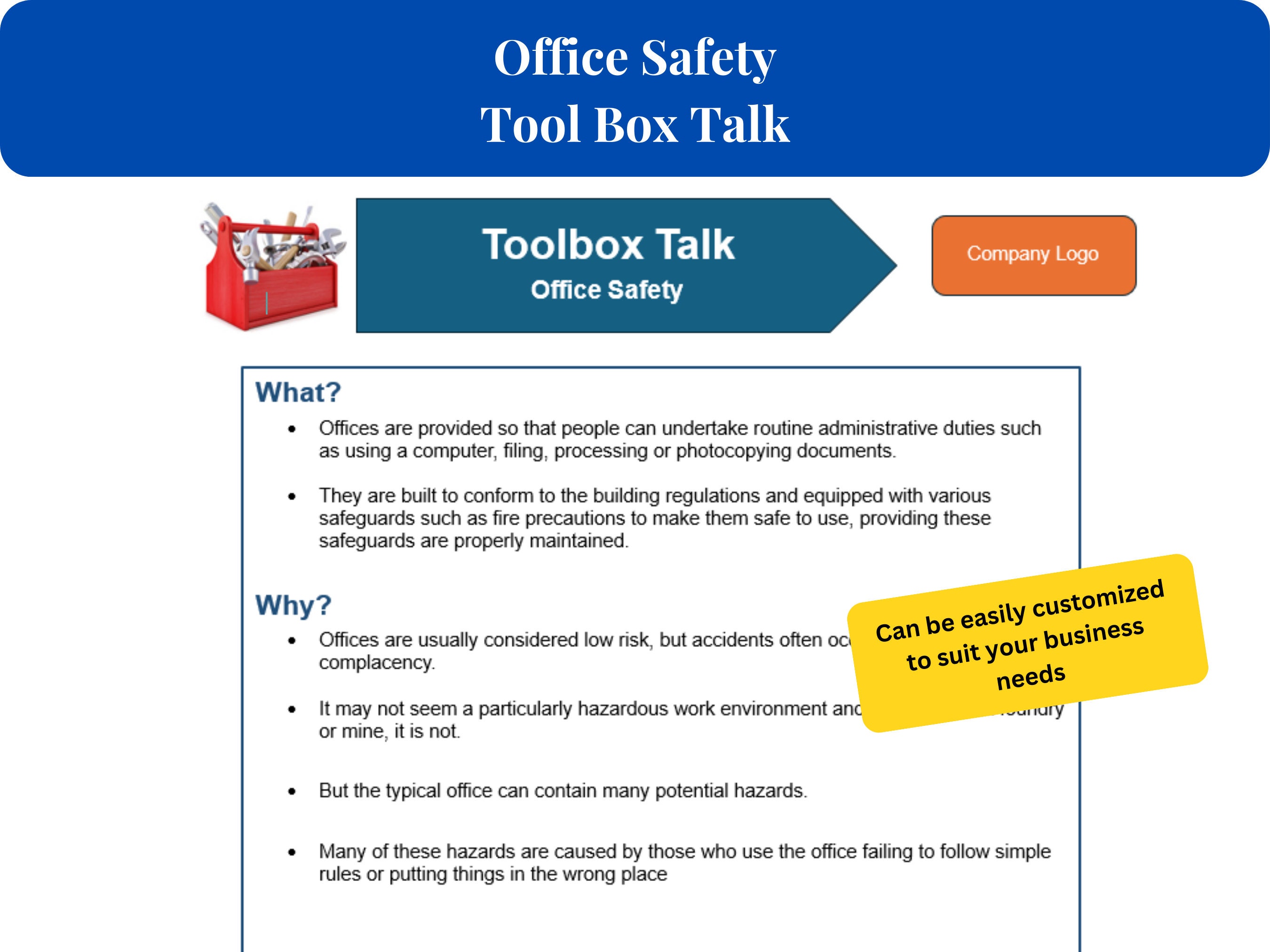
Not all boxes are created equal. A disorganized or poorly stocked unit becomes just another piece of forgotten site furniture. Here’s what a high-functioning tool box talk box includes:
1. Daily Sign-In Sheet Mandatory for every attendee. Include name, crew role, signature, and date. Store completed sheets for at least 6 months for OSHA compliance.
2. Pre-Printed Talk Topics Have a rotating 30-day calendar of topics: ladder safety, lockout/tagout, heat stress, etc. Each topic should include: - Key hazards - Safe work practices - Discussion questions - Space for site-specific notes
3. Incident Reporting Slip A tear-off form for workers to anonymously report unsafe conditions or near misses. Collect and review daily.
4. PPE Inspection Checklist A quick-reference card that crews can use before starting work. Include helmets, gloves, eye protection, fall gear.
5. Enforcement Log A record of who missed talks, who repeated unsafe behavior, and what corrective action was taken. This isn’t punitive—it’s protective.
6. Weatherproof Design Use a lockable, rust-resistant metal or polymer box with a sloped roof to shed rain. Mount at eye level near main entry points.
Common Mistakes That Undermine Tool Box Talk Boxes
Even with the right materials, many teams fail to get results. Here are the top missteps—and how to avoid them:
Mistake 1: Assigning Talks to Inexperienced Crew Members Junior workers may rush through talks or skip them entirely. Solution: Assign talks to foremen or safety leads. Rotate only after training.
Mistake 2: Using Generic Topics Without Site Context Reading a standard “slips and trips” script won’t resonate if the crew is working on scaffolding 30 feet up. Adapt each topic: “Today, we’re on steel beams—how do we prevent slips while wearing harnesses?”
Mistake 3: No Follow-Up on Reported Hazards If workers submit hazard cards and see no action, they stop participating. Post updates: “Reported loose railing—fixed by 10 a.m. today.”
Mistake 4: Poor Box Placement Putting the box in the trailer basement or behind equipment kills visibility. Mount it where crews naturally gather—near time clocks, break areas, or tool checkouts.
Mistake 5: Letting the Box Go Unchecked Dust, rain, or vandalism can ruin materials. Assign one person weekly to restock, dry out forms, and verify content.
Real-World Use Cases: How Teams Are Winning With Tool Box Talk Boxes
Case 1: Highway Paving Crew, Texas Challenge: High turnover, multiple subcontractors, inconsistent safety messaging. Solution: Installed a tool box talk box with multilingual topic sheets (English/Spanish). Added a rotating “Safety Champion” badge given weekly to the most engaged worker. Result: Attendance jumped from 50% to 92%. Zero recordable incidents over 5 months.
![How to Lead a Work Area Housekeeping Toolbox Talk [+ Template]](https://cdn.prod.website-files.com/62294553e9aeea20d15d7bc2/63f784ce55a35a80a1ec43f1_1.webp)
Case 2: Industrial Plant Maintenance, Ohio Challenge: Complex lockout/tagout procedures with frequent crew changes. Solution: Created a 14-topic mini-series on energy isolation, stored in color-coded folders inside the box. Each week built on the last. Result: 70% faster LOTO setup times and full audit compliance.
Case 3: Roofing Contractor, Florida Challenge: Heat-related illnesses during summer. Solution: Launched a “Hydration & Heat Awareness” talk series in June, with pocket-sized reminder cards in the box. Foreman did daily temp checks and water breaks. Result: No heat emergencies reported—down from 3 in prior years.
Top 5 Tool Box Talk Box Systems to Consider
While you can build your own, pre-designed systems offer durability and compliance-ready layouts. Here are five proven options:
| Product | Key Features | Best For |
|---|---|---|
| J.J. Keller Safety Box | Pre-loaded OSHA-compliant topics, bilingual sheets, lockable steel cabinet | Large crews, regulated environments |
| SafetyMade SiteSafe Station | Modular design, includes PPE checklist wheels, hazard reporting kiosk | Multi-trade sites, high visibility needs |
| Seton Construction Safety Center | Weatherproof plastic, 30-day topic calendar, magnetic attendance board | Small to mid-sized contractors |
| National Safety Council Talk-in-a-Box | Focus on behavioral safety, discussion prompts, near-miss cards | Teams building safety culture |
| Custom DIY Mounting Kits (e.g., BoxBuilder Pro) | Let you design your own with branded signage, custom inserts | Companies with unique workflows |
Each system supports physical, auditable safety engagement. Choose based on crew size, language needs, and regulatory exposure.
Integrating the Box Into Daily Workflow
A tool box talk box shouldn’t feel like extra work. It should slot into existing routines:
- Time it right: Hold talks at shift start, during breaks, or before high-risk tasks.
- Keep it short: 5–10 minutes max. Focus on one hazard.
- Make it interactive: Ask, “What would you do if you saw a frayed extension cord?”
- Link to actions: Assign one crew member to inspect cords after the talk.
- Rotate responsibility: Let experienced workers lead occasional talks—builds ownership.
One foreman in Denver starts every Wednesday with: “Grab your clipboard. Let’s check the box.” That consistency builds muscle memory.
The Ripple Effect of a Well-Used Tool Box Talk Box
It’s not just about compliance. A working tool box talk box changes site culture.
Workers begin to see safety as shared—not dictated. They start spotting hazards before talks. They correct each other politely. Supervisors gain trust, not just authority.
And when audits come, you don’t scramble for records. You open the box. The proof is inside.
Make the Tool Box Talk Box a Non-Negotiable
If your crew gathers for safety talks but doesn’t use a tool box talk box, you’re missing a critical layer of accountability and continuity. Invest in a durable box, fill it with relevant, up-to-date materials, place it where everyone sees it, and enforce its use.
The tool box talk box isn’t an expense. It’s insurance—against accidents, fines, and breakdowns in team trust. Set it up today. Use it every day. Watch safety shift from policy to habit.
Frequently Asked Questions
What should I do if someone refuses to sign the talk sheet? Address it immediately. Unsigned sheets create compliance gaps. Speak with the worker—document refusal and follow company disciplinary policy.
Can I use a digital tablet instead of a physical box? Yes, but only if every worker reliably accesses it and you maintain offline backups. Physical boxes are more consistent on rugged sites.
How often should tool box talks happen? Weekly is standard. High-risk tasks (e.g., excavation, confined space) require daily talks.
Who should lead the tool box talk? Foremen, supervisors, or trained safety officers. Rotate only after ensuring confident delivery.
Can topics repeat? Yes. Rotate core topics quarterly. Repetition reinforces key behaviors.
Should subs and temporary workers attend? Absolutely. Anyone on site must participate. Include them in sign-ins and discussions.
How long should I keep completed sign-in sheets? Retain for at least 6 months—longer if under federal contract or high-risk industry.
FAQ
What should you look for in What Is a Tool Box Talk Box and Why It Matters On Site? Focus on relevance, practical value, and how well the solution matches real user intent.
Is What Is a Tool Box Talk Box and Why It Matters On Site suitable for beginners? That depends on the workflow, but a clear step-by-step approach usually makes it easier to start.
How do you compare options around What Is a Tool Box Talk Box and Why It Matters On Site? Compare features, trust signals, limitations, pricing, and ease of implementation.
What mistakes should you avoid? Avoid generic choices, weak validation, and decisions based only on marketing claims.
What is the next best step? Shortlist the most relevant options, validate them quickly, and refine from real-world results.